The ticket
Priya and Aditya are in the same Entra group. SAP opens for Priya. TMS is denied for Aditya. That is almost never “ZCC is broken.” It is Access Policy: TMS Segment Group has no Allow that includes Aditya (or posture/timeout killed it).
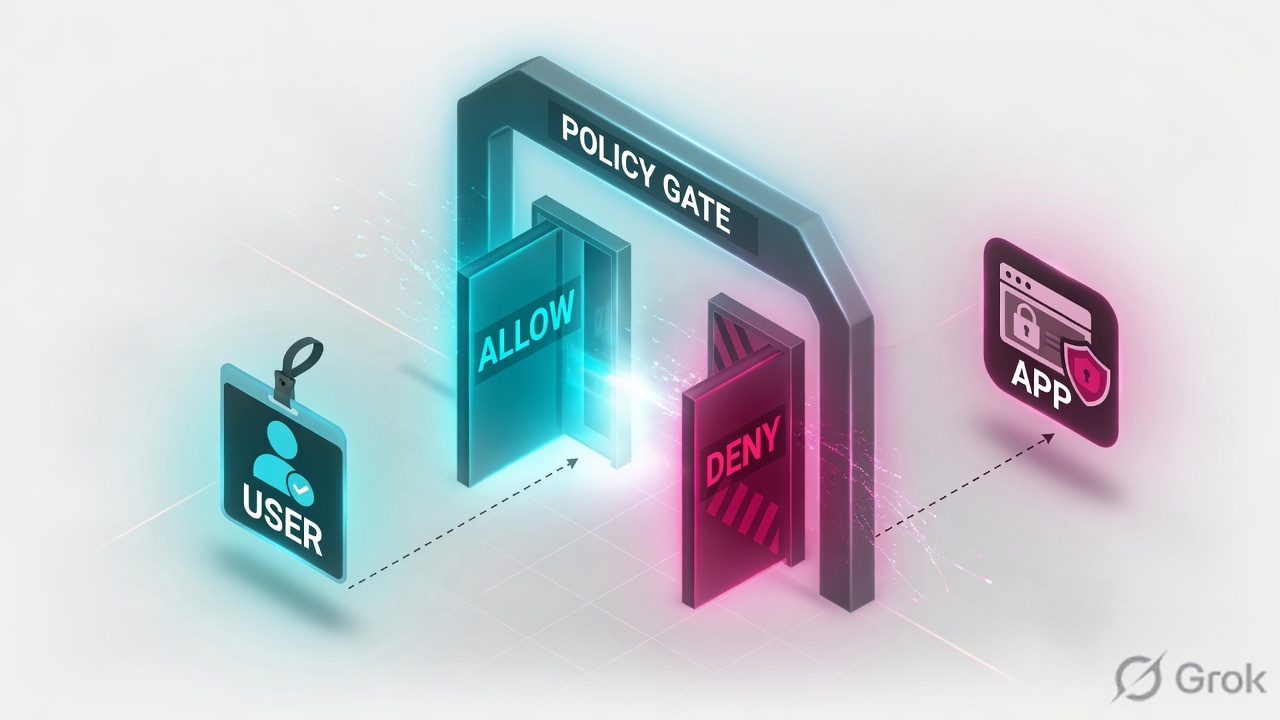
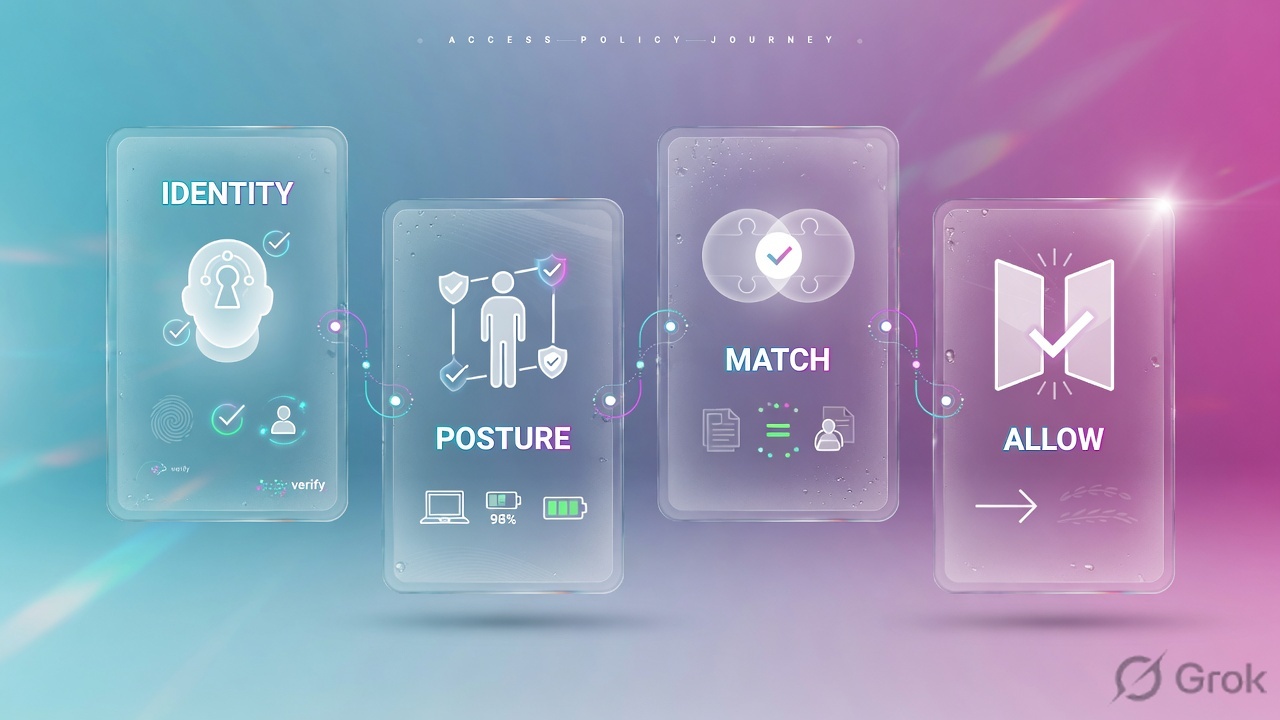
Write explicit Allow rules on Segment Groups. Criteria: SAML/SCIM groups, posture, trusted network, client type. No match = deny. Empty Connector usually means this rule never made the user eligible.
Mental model — default deny
- Who — IdP group / SCIM attributes / machine group.
- What — Segment Group (OR if several are listed).
- Where / how — posture, trusted network, client type, country.
If nothing allows, ZPA blocks. You will not find the answer in URL Filtering. Source: Configuring Access Policies.
Default deny. Allow is explicit. Empty Connector is eligibility. Timeout is not Access Policy but it will feel like a deny after seven days.
Hard words: Default deny means unused apps stay private. Timeout Policy forces re-auth (default 7 days). Posture profile is a Client Connector check (disk encrypt, OS) that can fail an otherwise valid Allow.
How to write the rule
| Pattern | Use when | Trap |
|---|---|---|
| Allow IdP group → Segment Group | Normal staff apps | SCIM not updated, group empty |
| Allow + posture | Privileged / finance | Posture missing on BYOD → surprise deny |
| Allow + trusted network | App only from office | Bad Trusted Network criteria flipping roamers to deny |
| Shorter timeout on critical apps | Privileged remote access | Leaving 7-day default on crown jewels |
Source: Configuring Access Policies and About Access Policy.
No matching Access Policy is deny. ZPA will not fall through to ZIA.
Runbook — Side A / B / C
Side A · identity
SCIM group
Aditya must be in the IdP group the rule uses. If SCIM is stale, the rule never matches. Check the IdP, not the connector ping.
Posture
If the rule requires disk encryption, a lab VM without BitLocker will deny even with the right group.
Side B · ZPA Access Policy
Add Allow
Policy → Access Policy → Add. Action Allow. Segment Groups =
sg-finance-apps. SAML/SCIM =grp-finance. Save. Remember: multiple segment groups on one rule are OR.Timeout
Policy → Timeout Policy. Default 7 days. Tighten critical apps (1 hour / 1 day) per leading practices.
Policy / Access Policy / Add Access Policy Rule
Add Access Policy Rule
Default is block until an explicit allow exists. Training mock · not live. Source: Configuring Access Policies.
Side C · prove
Diagnostics
User Activity for Aditya + tms FQDN. You want policy name Allow-Finance-TMS and a Connector. Empty Connector / no-policy codes mean this rule did not hit.
Compare Priya
If Priya hits a different rule (SAP segment group), copy that structure for TMS. Do not clone SAP ports onto TMS.
Runtime path after go-live
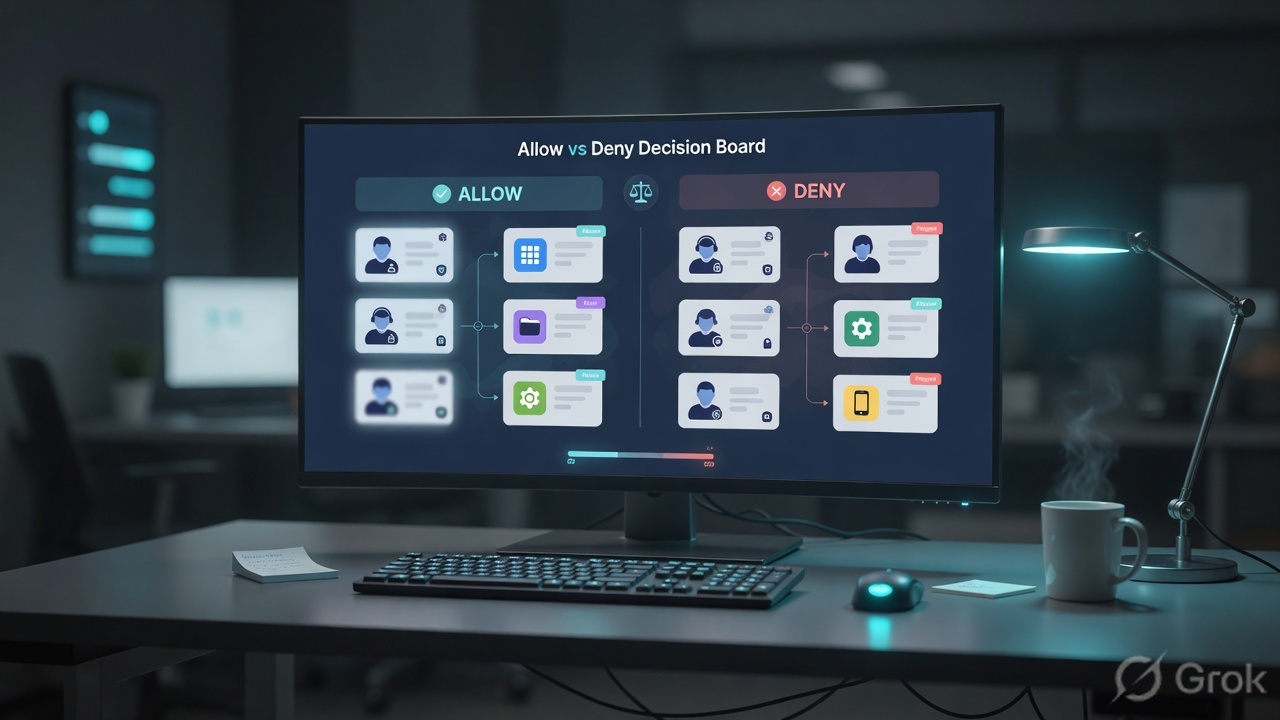
Request → match Access Policy (and timeout still valid) → pick connector from mapped group → open port. Official deny is a closed session, not a ZIA EUN page.
Traps and proof
| Symptom | First check | Do not |
|---|---|---|
| Same AD group, one app denied | Which Segment Group / which Access rule | Reinstall ZCC |
| Works in office, dies at home | Trusted Network criteria on the rule | Disable ZPA |
| Worked yesterday, denied today | Timeout Policy / posture flipped | New connector VM first |
| Empty Connector | Allow rule + mapping | Ping the app |
- Aditya Diagnostics: Allow-Finance-TMS + named Connector.
- A user outside grp-finance is denied (default deny still true).
- Timeout on SAP is documented (7 days or tighter).
One Allow-Any for all segment groups so ‘tickets stop’. You just rebuilt a VPN.
← App Connector · Troubleshooting desk →
Knowledge check
Six policy tickets. Pick the first safe move.
Sources
- Configuring Access Policies
- About Access Policy
- ZPA Leading Practices Guide
- Access Policy Deployment and Operations Guide
Related: App Connector · App segments · Troubleshooting desk