Lessons · F5 LTM series · Module 5
Same lab numbers on every page: client 198.51.100.50, VIP 192.0.2.100, Self IPs 192.0.2.10 / 10.20.20.10, members 10.20.20.101–103.
- Hub · Course map
- M1 · Fundamentals & admin
- M2 · Networking & traffic flow
- M3 · Virtual Servers & pools
- M4 · Profiles, SNAT, SSL
- M5 · Monitors, iRules, policies ← you are here
- M6 · High availability
- M7 · Troubleshooting
Recorded course + workbooks: My Courses · syllabus F5 LTM / GTM / ASM
Green pool, broken app
ICMP replies. TCP 443 is open. HTTP is 500. A TCP monitor still paints the member green. That is the Module 5 lesson: monitor the thing the user needs, then use LTM Policies before iRules for simple L7 steering.
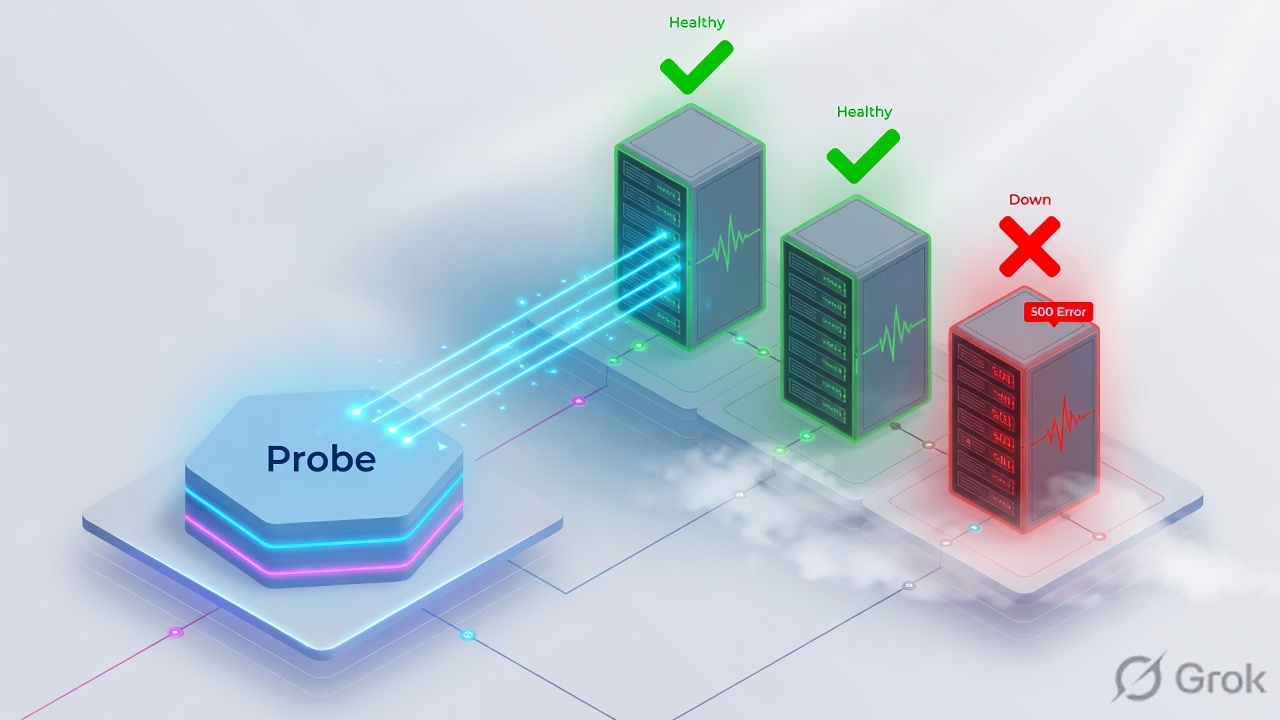
Use an HTTP/HTTPS monitor with a real GET, a Host header, and a recv string. Prefer an LTM Policy for host/URI routing. Write an iRule when you need events the policy cannot express. Never log cookies or passwords in iRules.
Monitor scope and iRule events
Timeout is usually 3× interval + 1 (interval 5 → timeout 16). Mark down only after failed probes, not after one blip.
| Scope | Checks | Misses |
|---|---|---|
| Node monitor | Host (often ICMP) | Service port / app |
| Member monitor | That IP:port | Other ports on the same node |
| Pool monitor | All members the same way | Special snowflake members — override per member |
| Gateway ICMP | Path to a gateway | Any application |
HTTP_REQUEST only fires if an HTTP profile is on the VS. CLIENTSSL_HANDSHAKE only fires if Client SSL is attached. Events are not a continuous script.
Policy vs iRule
| Need | Use | Why |
|---|---|---|
| If Host is app.example.com → pool X | LTM Policy | Draft → publish; readable; fast |
| HTTP→HTTPS redirect | iRule or policy redirect | Common iRule; still keep it tiny |
| Header inject / strip XFF safely | iRule | Replace client-supplied XFF; do not trust it |
| Complex Tcl branching | iRule | Last resort — every line is a future outage |
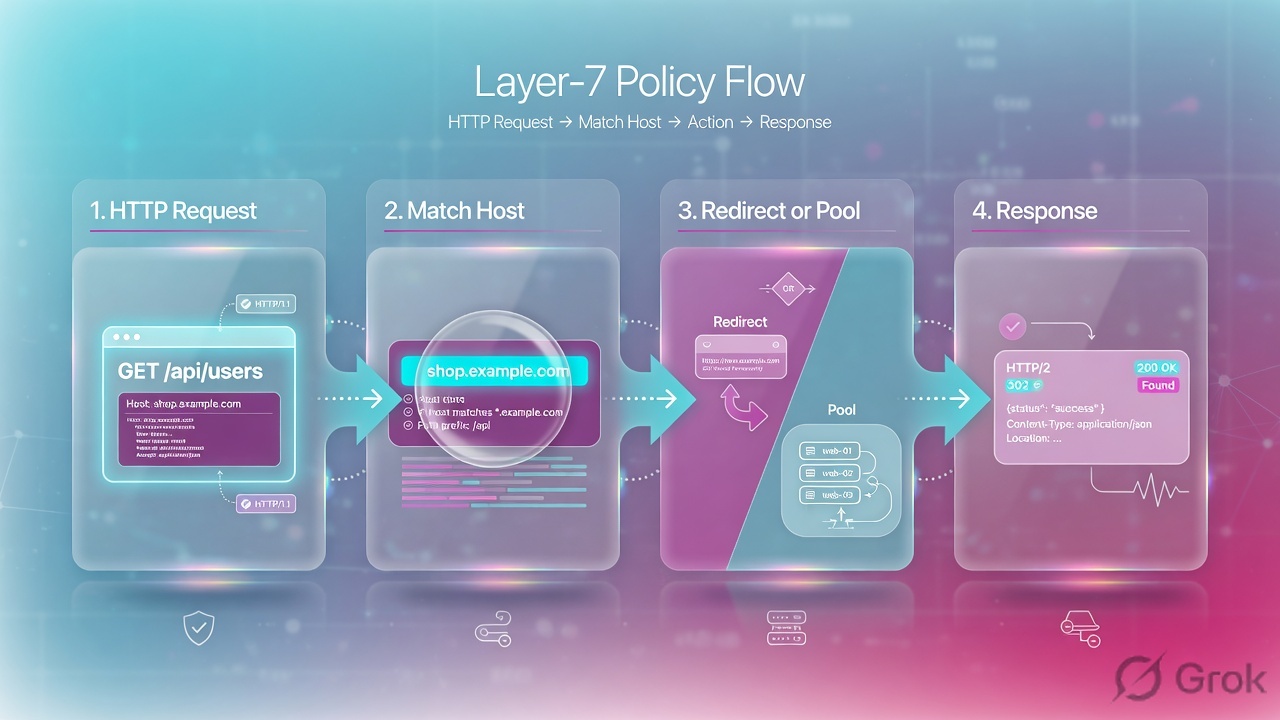
Runbook — HTTP monitor then a tiny iRule
Side A · monitor
Local Traffic > Monitors > Create
New HTTP Monitor
Incomplete Send (missing Host or final blank line) is the classic false-down. Source: Module 5 PDF.
tmsh create ltm monitor http mon_web_health defaults-from http interval 5 timeout 16 \
  send "GET /health HTTP/1.1\r\nHost: app.example.com\r\nConnection: close\r\n\r\n" \
  recv "APP_STATUS=READY"
tmsh modify ltm pool WEB_POOL monitor mon_web_health
tmsh show ltm pool WEB_POOL detail
Side B · iRule (only if policy cannot)
Local Traffic > iRules > iRule List > Create
New iRule
Attach the iRule on the Virtual Server Resources tab. HTTP profile required.
when HTTP_REQUEST {
  if { [HTTP::host] eq "app.example.com" } {
    pool APP_POOL
  }
}
Events cheat-sheet: CLIENT_ACCEPTED (TCP accepted), CLIENTSSL_HANDSHAKE (TLS done, SNI available), HTTP_REQUEST (headers parsed), LB_SELECTED (member chosen), SERVER_CONNECTED (server TCP up).
Side C · prove the monitor, not the ping
Break the recv string in lab
Member goes down in
tmsh show ltm pool WEB_POOL detail.Restore it
Member returns; Slow Ramp (Module 3) should protect it.
tcpdump the probe
You will see BIG-IP's Self IP as source — not the client.
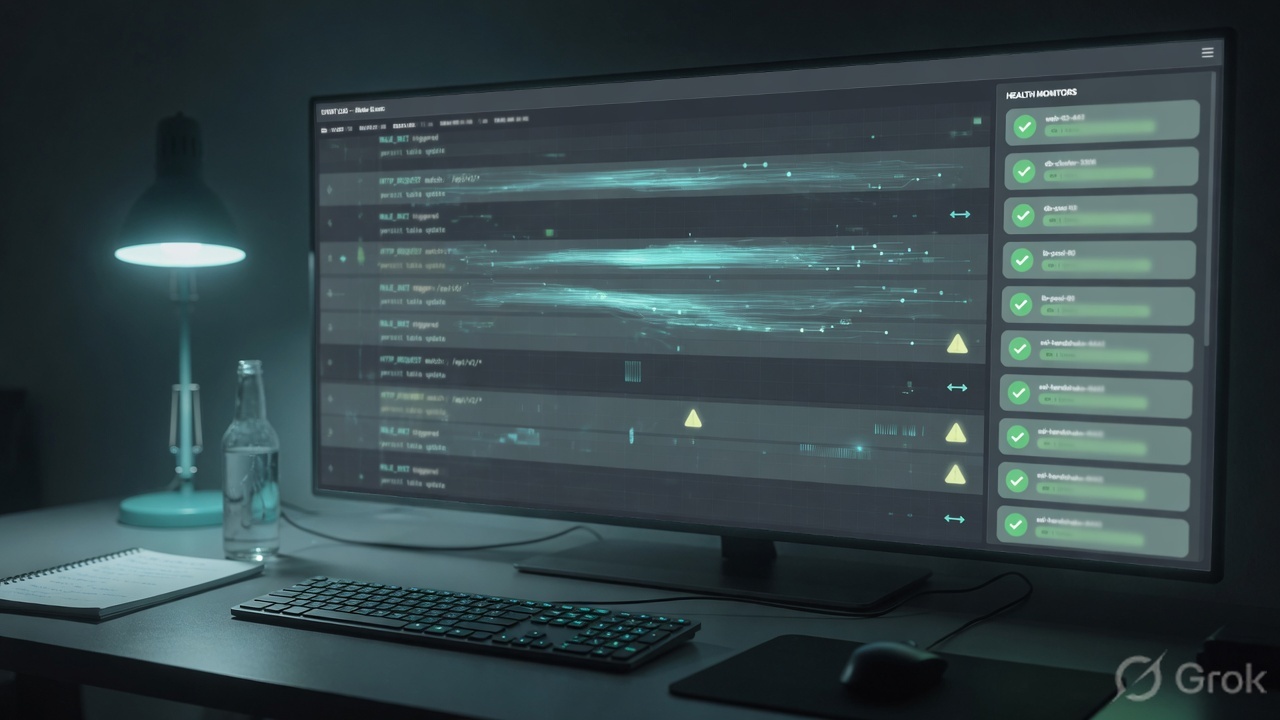
Runtime
Probes keep using the server-side path even when no user is connected.
Traps + proof
| Failure | Symptom | Fix |
|---|---|---|
| ICMP/TCP monitor only | Green pool, HTTP 500 | HTTP recv string |
| Missing Host | All members down on vhosts | Send String includes Host |
| Gateway ICMP as app health | Path up, app dead | Never substitute |
| iRule without HTTP profile | Nothing fires | Attach http + (for HTTPS) Client SSL |
| Log HTTP cookies or tokens | Secret in /var/log/ltm | Log host/URI only |
- A wrong recv string marks the member down.
- You can name four iRule events and when they fire.
- You default to an LTM Policy for simple host routing.
Knowledge check
Health and L7 — green is not a personality trait.
Sources
- Techclick PDF:
F5-BIG-IP-LTM-Module-5.pdf(from OneDrive_1_8-26-2026.zip, 26 Aug 2026) - Companion deck:
F5-Ltm-Training-Ppt (1).pptx.pdf - LTM policy TMSH: ltm policy
- Official lab paths: F5 cert Lab 1 — VLANs, Self IPs, pools, virtual servers
- TMSH virtual server reference: ltm virtual
- Related deep dives on this site: SSL modes · SNAT · Persistence · VS/pools · VIP down / tcpdump
Related: Course hub · Syllabus · My Courses · F5 LTM interview