Lessons · F5 LTM series
Same lab numbers on every page: client 198.51.100.50, VIP 192.0.2.100, Self IPs 192.0.2.10 / 10.20.20.10, members 10.20.20.101–103.
- Hub · Course map ← you are here
- M1 · Fundamentals & admin
- M2 · Networking & traffic flow
- M3 · Virtual Servers & pools
- M4 · Profiles, SNAT, SSL
- M5 · Monitors, iRules, policies
- M6 · High availability
- M7 · Troubleshooting
Next → M1 · Fundamentals & admin
Recorded course + workbooks: My Courses · syllabus F5 LTM / GTM / ASM
Why this series exists
The OneDrive pack you opened today — OneDrive_1_8-26-2026.zip — is the Techclick F5 BIG-IP LTM recorded course: Modules 1–7 plus the training PPT. This hub is the public blog map of that same course. Each module is one interactive lesson with a runbook, portal mock, traps table, and scored quiz.
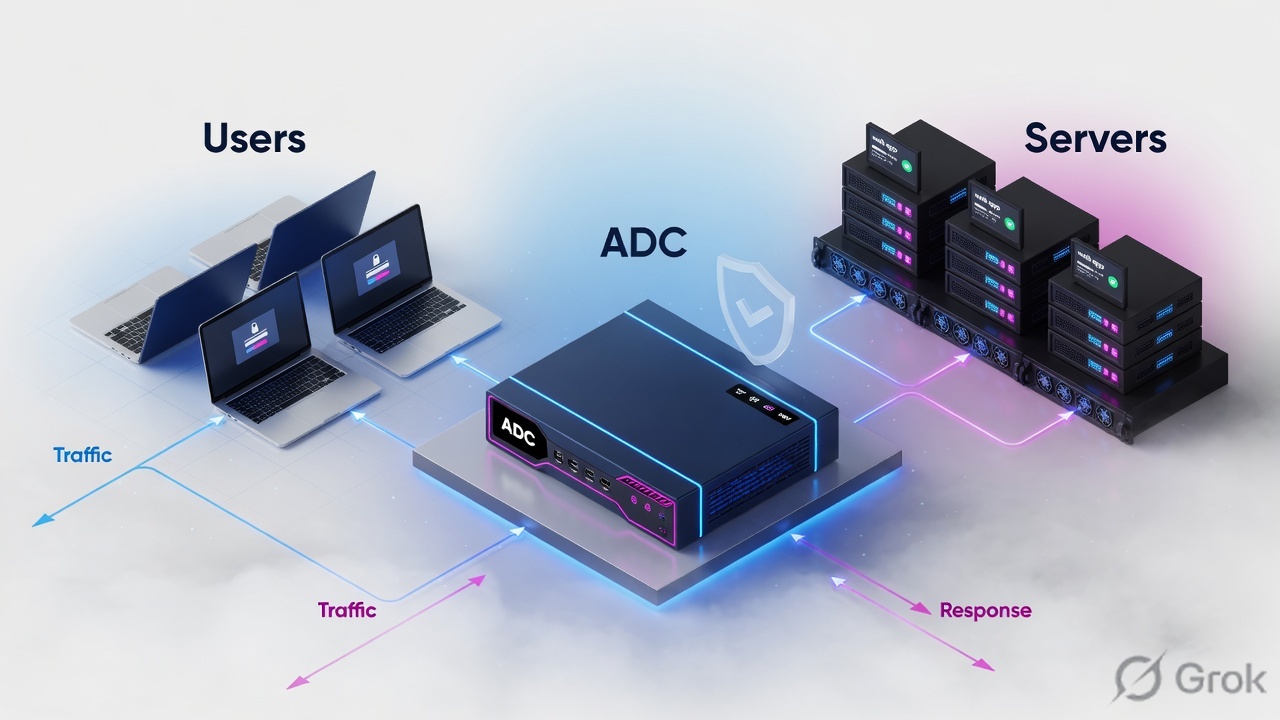
Use this page as the table of contents. Then walk the modules in order. Do not jump to iRules before Self IPs. The PDFs are built as a ladder: admin plane → data-plane networking → publish the app → process the app → prove health → survive a device failure → troubleshoot without guessing.
BIG-IP LTM is a full proxy. The client TCP session ends on the Virtual Server. A second session starts toward a pool member. Everything useful — SSL offload, SNAT, persistence, HTTP iRules — happens because those two sessions are independent.
Mental model
Say this out loud before Module 1: TMM moves packets. MCPD moves config. The Management IP never carries the application.
Read left to right. Each module unlocks the next object you can safely configure.
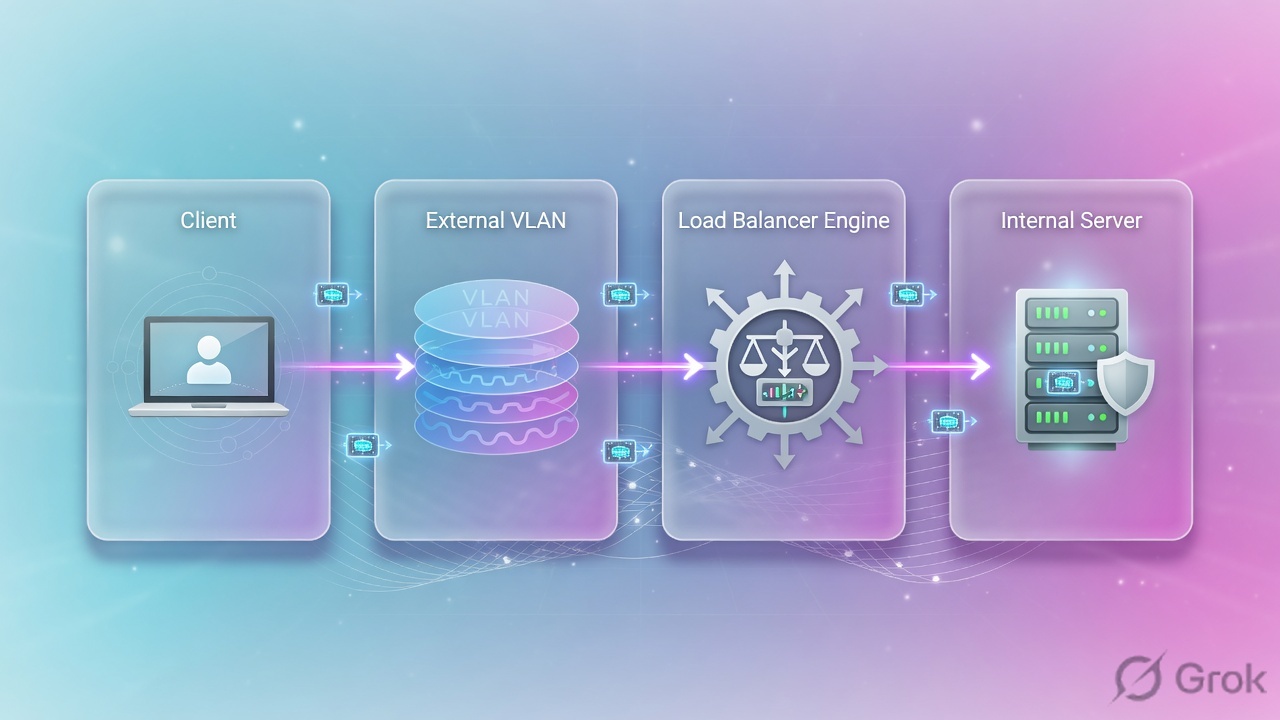
How to use the seven lessons
| Module | You can do | Do not skip |
|---|---|---|
| 1 Fundamentals | Explain TMOS / TMM / MCPD; license, provision, UCS | NTP, save sys config |
| 2 Networking | VLAN tagged/untagged, Self IP, Port Lockdown, route, ARP | Management plane for app traffic |
| 3 VS & Pools | Node vs member vs pool vs VS; Round Robin vs Least Connections | Calling the VIP 'the pool' |
| 4 Profiles / SNAT / SSL | Choose Automap vs No-SNAT; offload vs re-encrypt vs passthrough | HTTP cookie persist on passthrough |
| 5 Monitors / iRules | HTTP monitor with Host + recv string; Policy before iRule | ICMP as 'the app is up' |
| 6 HA | Device Trust → Device Group → ConfigSync → traffic group | Automatic Sync from a dirty box |
| 7 Troubleshoot | Problem statement, last-known-good, tcpdump both sides | Changing config as step 1 |
M1 · Fundamentals & admin
M2 · Networking & traffic flow
M3 · Virtual Servers & pools
M4 · Profiles, SNAT, SSL
M5 · Monitors, iRules, policies
M6 · High availability
M7 · Troubleshooting
Shared lab numbers
Every runbook on this series uses documentation-range addresses so you can copy without leaking a customer network.
| Object | Value | Where you see it |
|---|---|---|
| Management IP | 192.168.100.10 | System > Platform |
| External VLAN / Self IP | 192.0.2.0/24 · 192.0.2.10 | Network > VLANs / Self IPs |
| Internal VLAN / Self IP | 10.20.20.0/24 · 10.20.20.10 | Network > Self IPs |
| VIP | 192.0.2.100:443 | Local Traffic > Virtual Servers |
| Pool members | 10.20.20.101–103:443 | Local Traffic > Pools |
| Client | 198.51.100.50 | tcpdump host filter |
How a request actually runs
If any box is red in production, stop there. Do not skip layers.
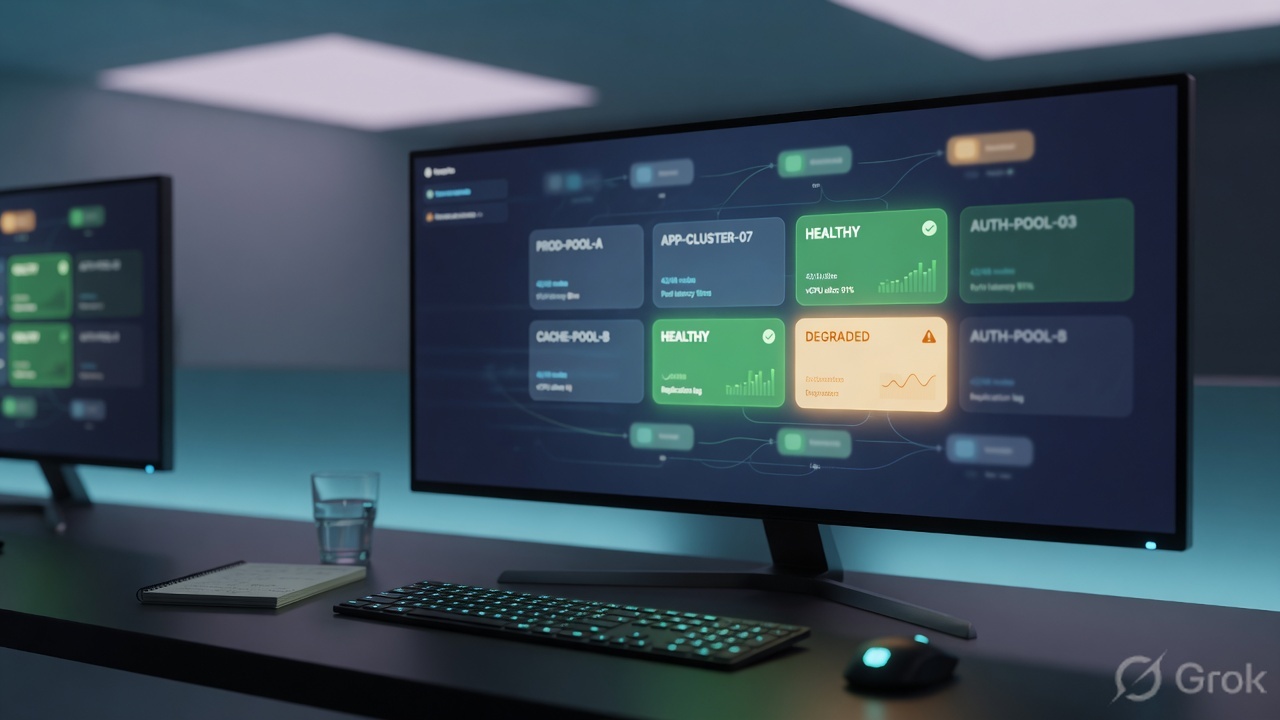
tmsh show ltm pool, monitor status, and a packet that came back.Series-wide traps
| Trap | What you see | First proof |
|---|---|---|
| Mgmt IP used as VIP | GUI works, app users cannot connect | VIP is a Virtual Server destination, not System > Platform |
| VLAN tag mismatch | Interface up, no ARP, no VS stats | Switch/port-group tag must match BIG-IP tagged/untagged |
| No-SNAT + wrong gateway | Client SYN in, no server-side SYN-ACK | tcpdump both VLANs; then SNAT Automap or fix server default gateway |
| ICMP monitor only | Pool green, HTTP 500 to users | HTTP monitor with Host header and a known recv string |
| Change first, capture later | New bug plus the original bug | Write the problem statement. Then capture. |
- Open Module 1. Explain TMM vs MCPD without notes.
- Build VLAN + Self IP + VS + pool in a lab before touching HA.
- Save UCS before every significant change:
tmsh save sys ucs.
Knowledge check
These six questions span the whole recorded course. Miss one → open that module.
Sources
- Techclick PDF:
F5 ltm module 1.pdf through F5-BIG-IP-LTM-Module-7.pdf(from OneDrive_1_8-26-2026.zip, 26 Aug 2026) - Companion deck:
F5-Ltm-Training-Ppt (1).pptx.pdf - Official lab paths: F5 cert Lab 1 — VLANs, Self IPs, pools, virtual servers
- TMSH virtual server reference: ltm virtual
- Related deep dives on this site: SSL modes · SNAT · Persistence · VS/pools · VIP down / tcpdump
Related: Course hub · Syllabus · My Courses · F5 LTM interview