Lessons · F5 LTM series · Module 6
Same lab numbers on every page: client 198.51.100.50, VIP 192.0.2.100, Self IPs 192.0.2.10 / 10.20.20.10, members 10.20.20.101–103.
- Hub · Course map
- M1 · Fundamentals & admin
- M2 · Networking & traffic flow
- M3 · Virtual Servers & pools
- M4 · Profiles, SNAT, SSL
- M5 · Monitors, iRules, policies
- M6 · High availability ← you are here
- M7 · Troubleshooting
Recorded course + workbooks: My Courses · syllabus F5 LTM / GTM / ASM
One box is a single point of failure
Hardware dies, TMM dies, a trunk dies, or you need a maintenance window. Device Service Clustering (DSC) pairs two BIG-IP devices so floating objects move. HA does not fix a down pool or a bad iRule. It only removes the appliance as the unique choke point.
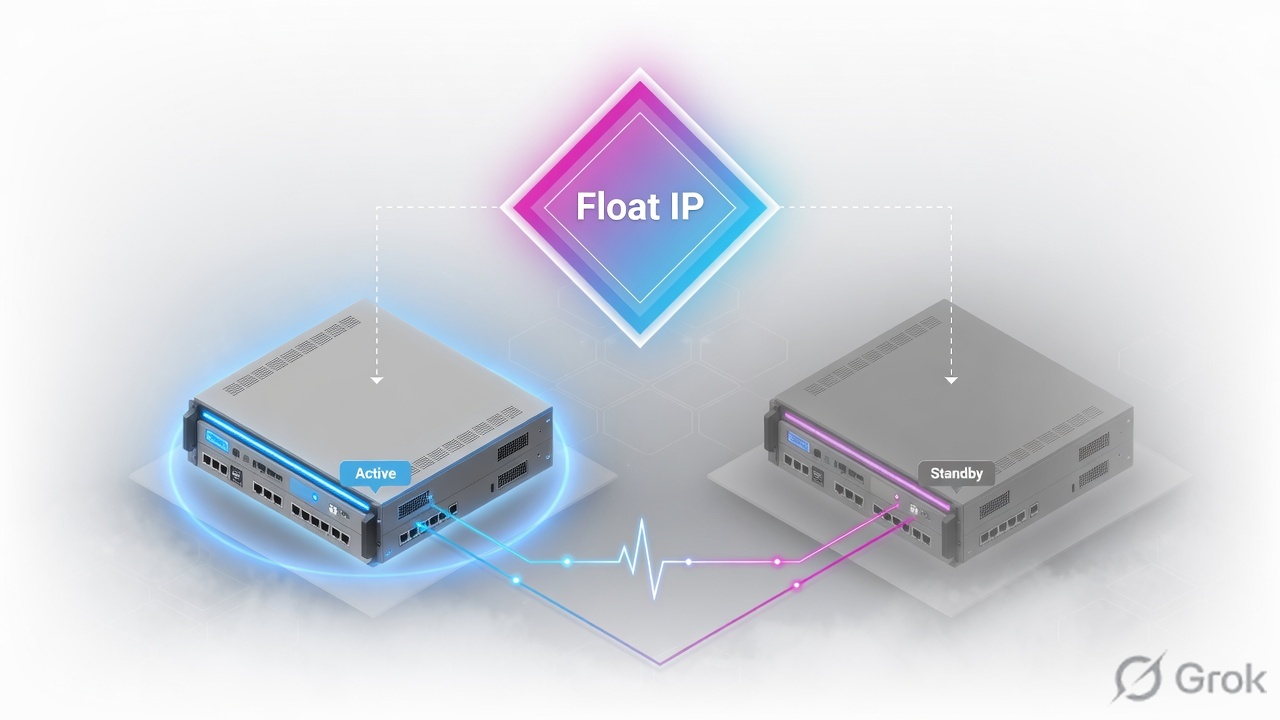
Order is a stack: Device Trust → Device Group (Sync-Failover) → ConfigSync → Traffic Group → Network Failover → optional mirroring. Active owns traffic-group-1. Standby has the config and is ready. Force Standby to test; watch gratuitous ARP.
DSC stack
Skip Device Trust and ConfigSync will never be a trusted peer relationship.
| Piece | Job | Device-specific? |
|---|---|---|
| Device Trust | Authenticate the peer | Each device has its own identity |
| Device Group | Who syncs / fails over with whom | Shared membership |
| ConfigSync | Push LTM objects | Mgmt IP, hostname, non-floating Self IPs stay local |
| Traffic Group | Bundle of floating IPs/VIPs | Owner is Active |
| Network Failover | Unicast heartbeat | Failover addresses are per device |
| Connection mirroring | Copy live table to standby | Only if you enable it; not magic for every protocol |
Automatic Sync from a box with a bad config will copy the bad config. Sync direction is a loaded gun. Always know who has Changes Pending.
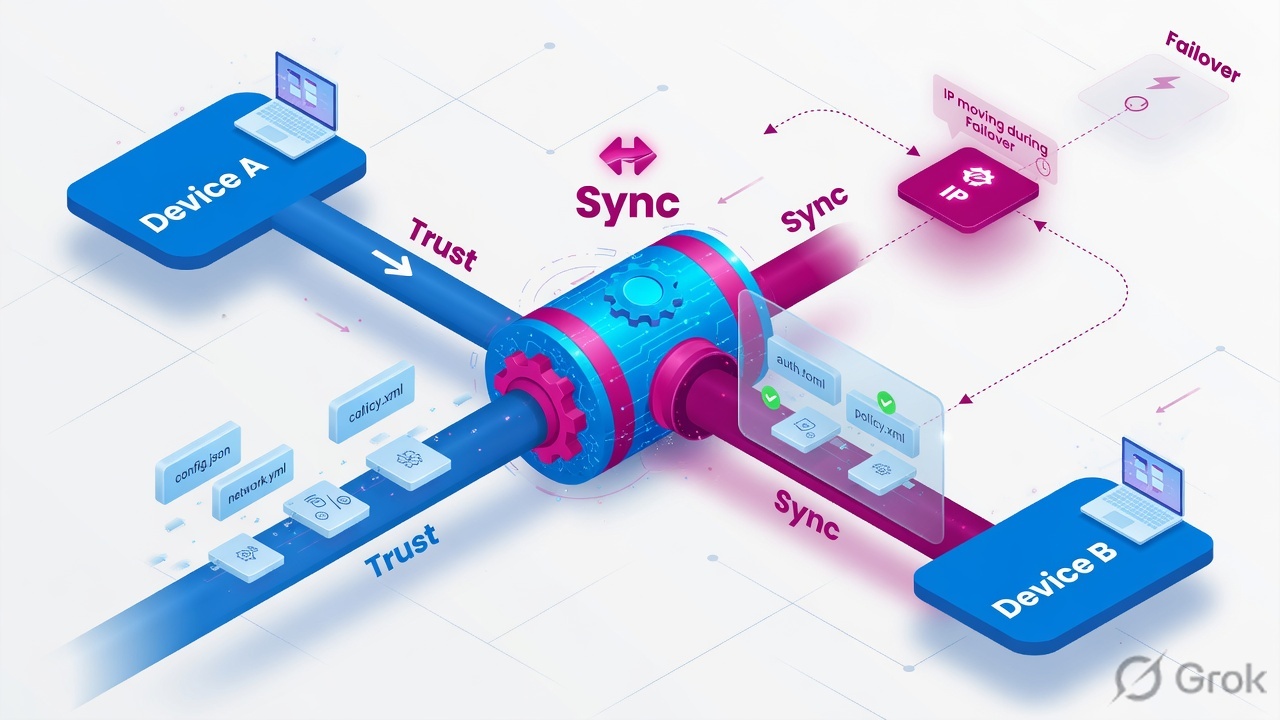
What should float
| Object | Float? | Why |
|---|---|---|
| Floating Self IP | Yes | ARP target for the VLAN |
| Virtual addresses / VS | Yes | Users keep the same VIP |
| SNAT translation addresses used by apps | Usually yes | Stay in the same traffic group |
| Management IP | No | Each chassis is reachable for admin |
| Non-floating / local-only Self IP | No | Device-specific |
Runbook — first Active/Standby pair
Side A · trust and group
Identical versions and provisioned modules
Mismatched provision is a classic ConfigSync fail.
Device Trust
Device Management → Device Trust. Point A at B’s management or specified config-sync address.
Device Group type Sync-Failover
Device Management → Device Groups → Create. Wrong type = sync without failover or vice versa.
Enable Network Failover
Unicast heartbeat on a dedicated or at least reliable path. Do not share it casually with noisy client VLANs if you can avoid it.
Device Management > Device Groups > Create
New Device Group
Source: F5-BIG-IP-LTM-Module-6.pdf. Official DSC admin: techdocs Device Service Clustering.
Side B · traffic group and floating IPs
Device Management > Traffic Groups
traffic-group-1
Assign the floating Self IP and virtual address to the same traffic group or they split-brain at Layer 3.
Side C · sync, then force standby
tmsh show cm failover-status
tmsh show cm sync-status
tmsh show cm device
tmsh show cm device-group
tmsh show cm traffic-group
tmsh list net self floating
tmsh run sys failover standby
ConfigSync to the group
Device Management → Overview. If one device shows Changes Pending, sync from the intended source only.
Force BIG-IP A to Standby
GUI traffic-group-1 → Force to Standby, or
tmsh run sys failover standby.Prove ownership
traffic-group-1 owned by B. Floating IP answers from B’s MAC. GARP should appear in tcpdump.
Optional mirroring
Enable connection mirroring only for the VS that need it. Then
tmsh show ltm connection mirroron the standby.
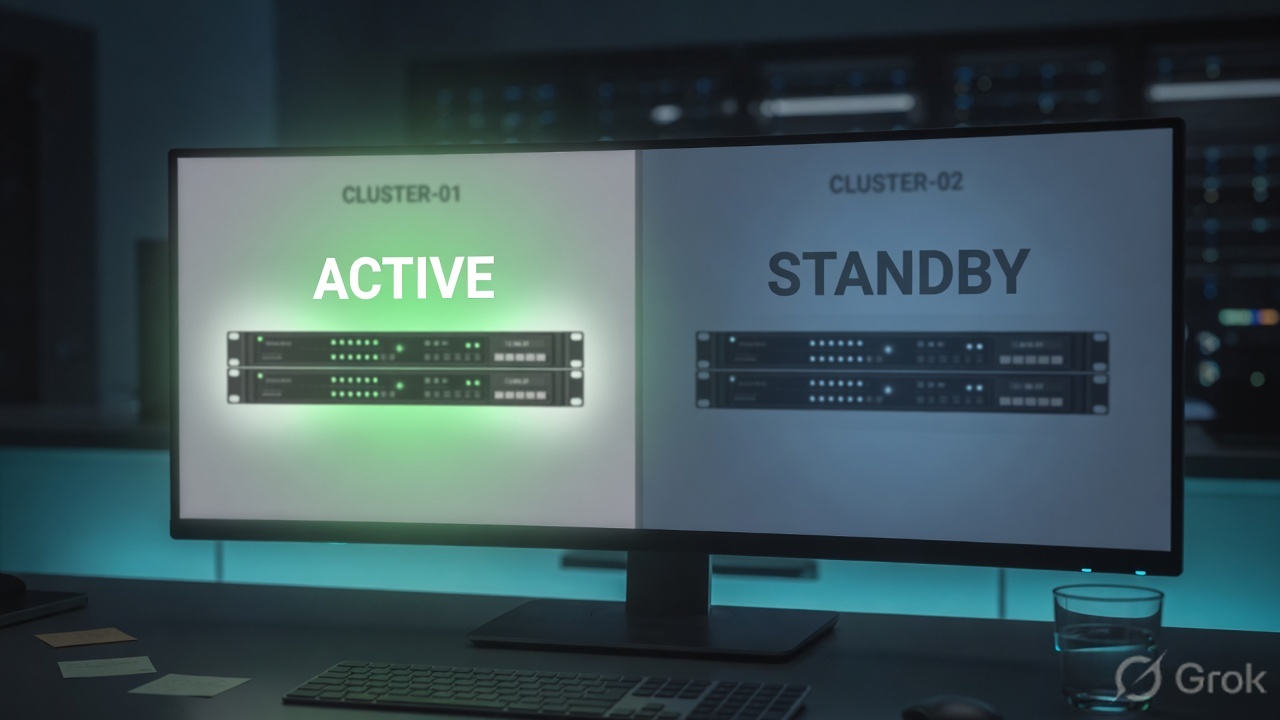
Runtime after failover
If heartbeat dies both ways you can get Active/Active — two MACs claiming 192.0.2.10.
Traps + proof
| Failure | Symptom | Fix |
|---|---|---|
| Auto Sync too early | Bad config copied to both | Manual sync; know the source of truth |
| Trust broken | Cannot sync | Hostname, time, network, then re-trust |
| Mgmt IP expected to float | Cannot reach standby GUI after fail | Mgmt stays local |
| No network failover path | Slow or false failover | Dedicated unicast addresses |
| Assumed zero drop | TCP apps reset | Mirroring + app retry; document RTO |
tmsh show cm sync-statusis In Sync.- A forced standby moves 192.0.2.10 and the VIP.
- You can list what does not sync.
Knowledge check
HA is a stack. Skip a layer and sync lies to you.
Sources
- Techclick PDF:
F5-BIG-IP-LTM-Module-6.pdf(from OneDrive_1_8-26-2026.zip, 26 Aug 2026) - Companion deck:
F5-Ltm-Training-Ppt (1).pptx.pdf - DSC administration: BIG-IP Device Service Clustering
- Official lab paths: F5 cert Lab 1 — VLANs, Self IPs, pools, virtual servers
- TMSH virtual server reference: ltm virtual
- Related deep dives on this site: SSL modes · SNAT · Persistence · VS/pools · VIP down / tcpdump
Related: Course hub · Syllabus · My Courses · F5 LTM interview